Domains and SSL

Registering and transferring a domain has never been so easy

Efficiently manage domain acquisition and transfer through SWPanel. It allows registering new domains and transferring existing domains from other providers, all from an intuitive interface.

Start now!

The features that SWPanel offers for domain registration and transfer

At SWPanel, you can register and transfer your domains easily.

Products domains actions 1 EN

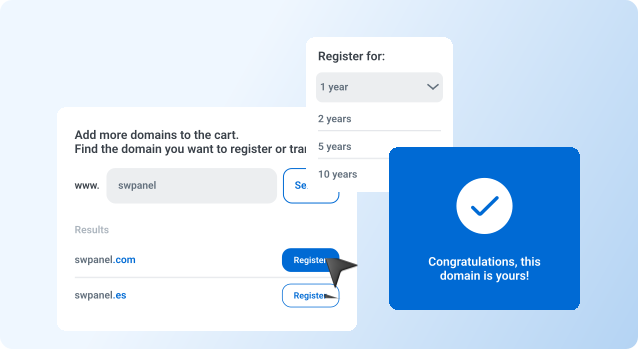
Domain Registration in minutes

It allows managing domain renewal dates to avoid unwanted expirations. You can set up automatic reminders and renew your domains from the panel.

Products domains actions 2 EN

Domain Data Update

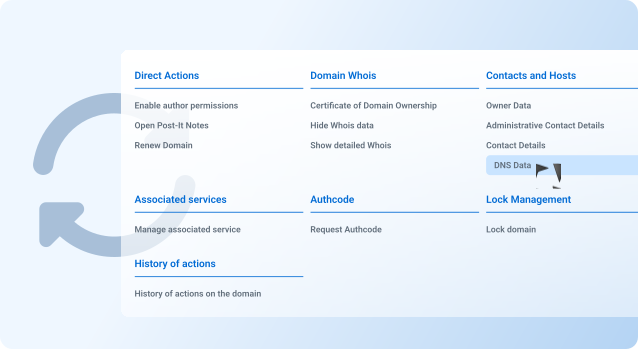
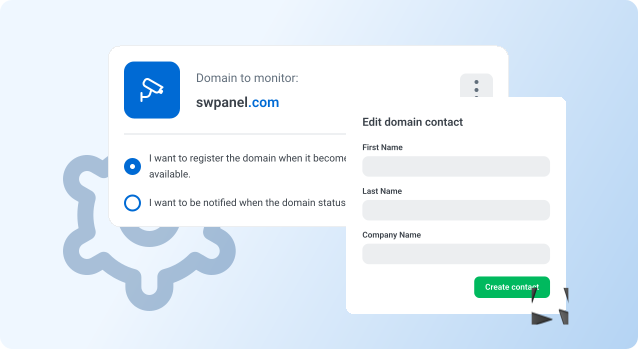
It allows you to modify the information associated with your domains, such as registrant contact details, DNS servers, and privacy settings.

Products domains actions 3 EN

Domain parameters management

DNS server configuration, automatic renewals, domain data masking (WHOIS), domain contacts...

For more information

Discover more properties with guaranteed results

1

Renewal management

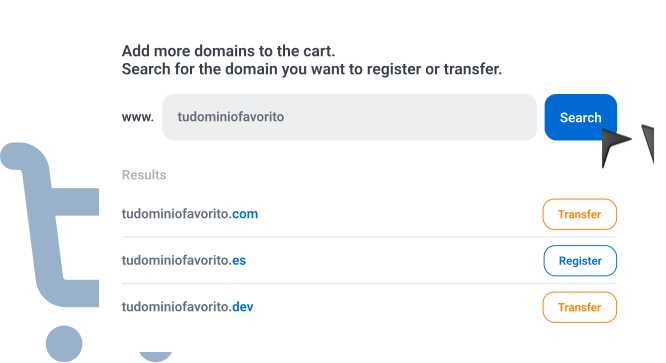
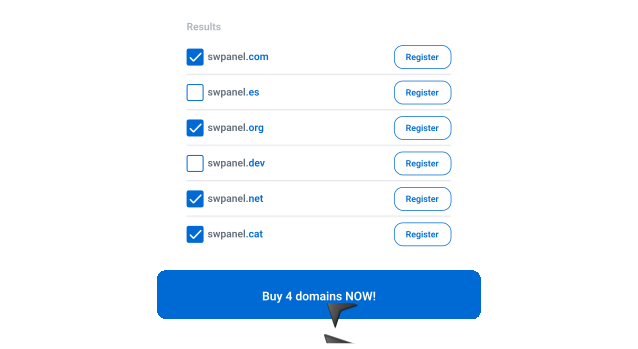
It allows you to purchase new domains directly from the panel. This includes availability searches, the purchase process, and initial setup. You can register domains with a wide variety of extensions, such as .com, .net, .org, among others.

Get it today!
Products domains actions 1 EN
2

Domain transfer

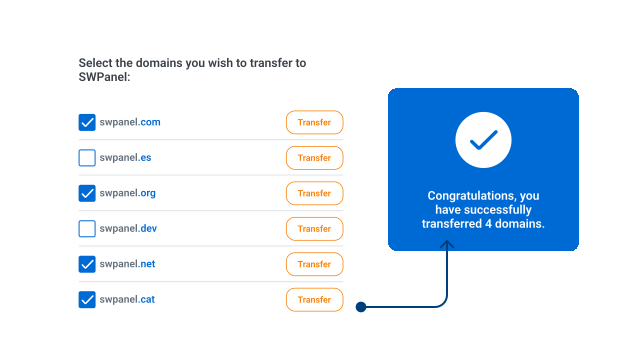
It facilitates the transfer of existing domains from other registrars to SWPanel. This process usually requires the domain to be unlocked and authorization codes to be provided. Once transferred, you can manage all aspects of the domain from SWPanel.

Transfer now!
Products domains actions 2 EN
Frequently Asked Questions

Do you have any questions?
We’ll answer them for you

Automatic installation is a simple process that allows you to turn your server into a Cloud with SWPanel just by entering the server details. The system configures everything automatically, with no need for manual intervention.

You only need to provide the basic details of your server: hostname, port, username, and password. The rest of the process is done automatically.

En pocos minutos, una vez introducidos todos los datos y completado el pago, tu Cloud con SWPanel estará activo y listo para gestionar desde el panel.

After entering the details, you just need to follow the payment steps. Once completed, you can start using SWPanel with just one click.