Financial management

SWPanel balance and Credit Card management

You can effectively manage the balance available in your SWPanel account, as well as manage the linked credit cards to make payments or reloads.

Start now

From SWPanel you can manage everything with just one click.

There is no simpler way to manage your balance instantly.

Products financial balance 1 EN

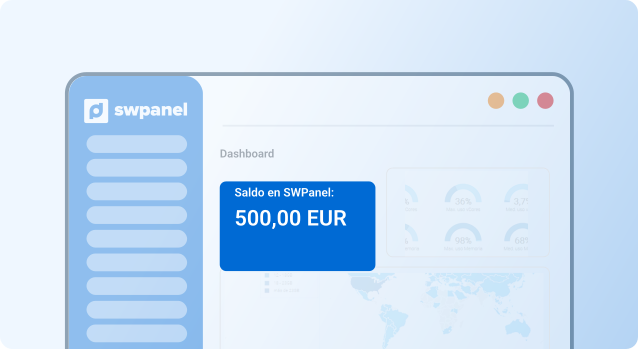
Balance display

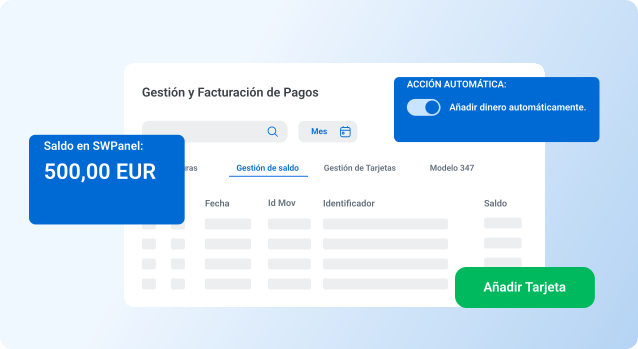
Check the available balance in your account in real time to make payments.

Products financial balance 2 EN

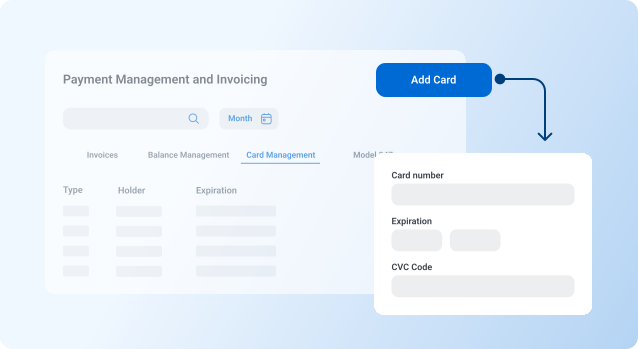
Card management

Add, delete or update associated credit cards for greater flexibility in payments.

Products financial balance 3 EN

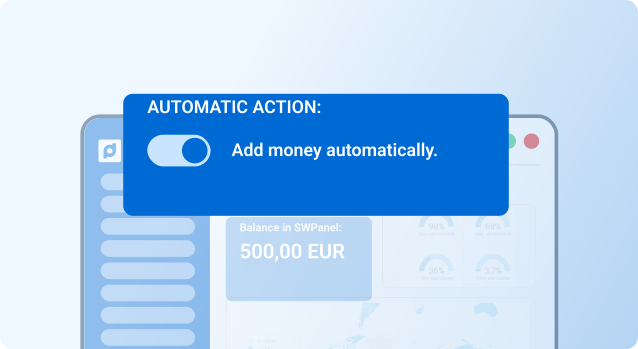
Automatic top-ups

Set up automatic credit replenishment when balance falls below a set threshold.

Learn much more here

Innovation and exclusivity for those looking for the best features

1

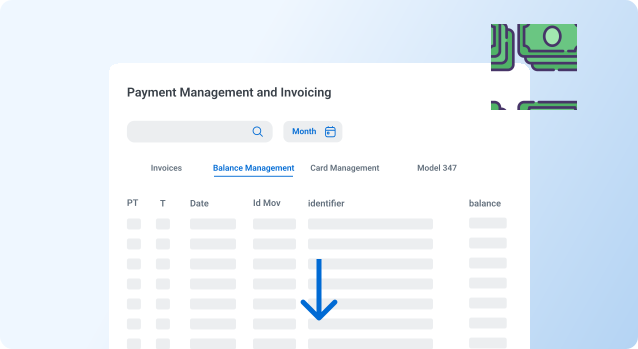
Top-up and payment history

Access to a detailed history of all top-ups and payments made with the account balance.

Learn about my history now!
Products financial balance 1 EN
2

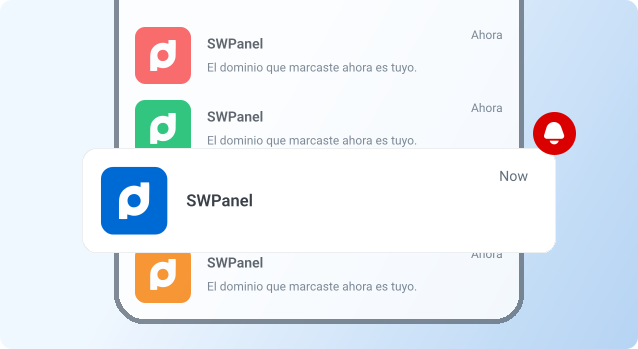
Low balance alerts

Automatic notifications when the available balance is low, avoiding service interruptions.

Alert now!
Products financial balance 2 EN
Frequently Asked Questions

Do you have any questions?
We’ll answer them for you

No, once issued, the invoice must be paid using the selected method. However, you can change the method for future invoices.

From the payment method management section, select "Add new method" and follow the instructions.

Yes, all payments are protected by advanced security protocols and comply with international regulations.