Hosting management

Web scheduled tasks manager (Crons)

It is a vital tool that allows website administrators to automate repetitive tasks such as backups, sending emails, or updating databases at specific times.

Manage tasks now!

The great importance of Crons

The main features of this tool we offer you at SWPanel:

Products hostings crons 1 EN

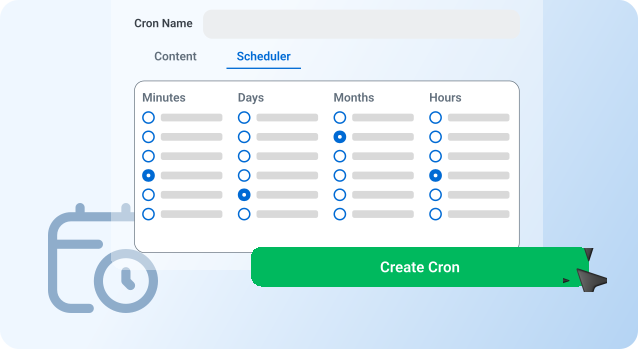
Flexible scheduling

It offers the possibility of defining tasks to be carried out at specific time intervals, from every minute to once a year, allowing you to automate almost any process needed on a website.

Products hostings crons 2 EN

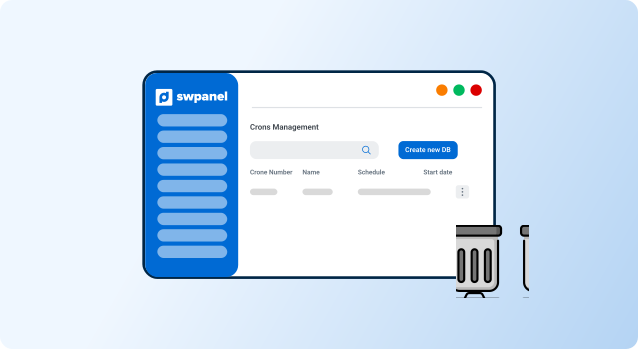
Delete DB cleanup

Ideal for repetitive tasks that need to be run regularly, such as cleaning up databases or updating content, without requiring human intervention.

Products hostings crons 3 EN

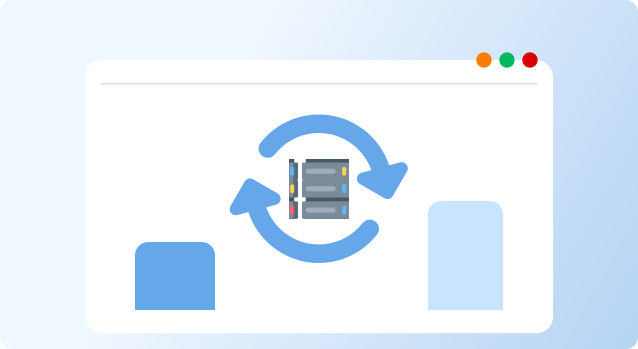
Crons for systems and web

Allows scheduling tasks for both systems and websites.

To learn more

Discover the innovation that guarantees your success

1

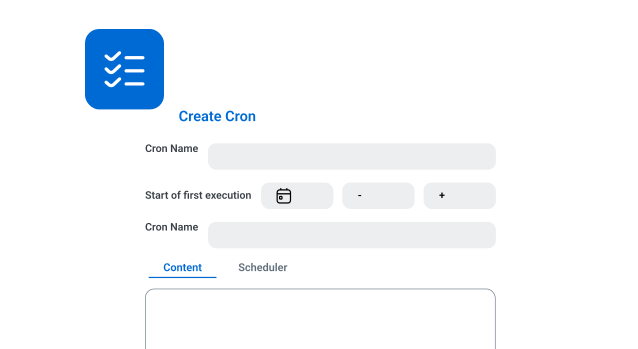
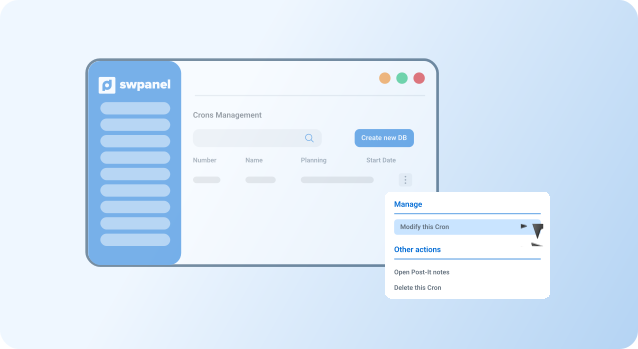
Simple Crons setup

Allows creating, modifying, and deleting scheduled tasks directly from SWPanel, without the need for advanced knowledge.

For more information
Products hostings crons 1 EN
2

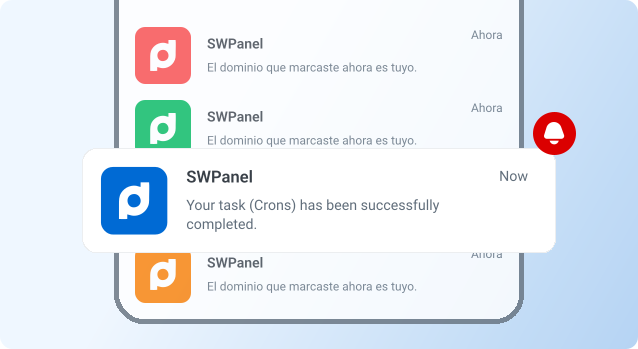
Email notifications

Set up email alerts to receive notifications when a task is run, fails, or completes, keeping you informed at all times.

To learn more
Products hostings crons 2 EN
3

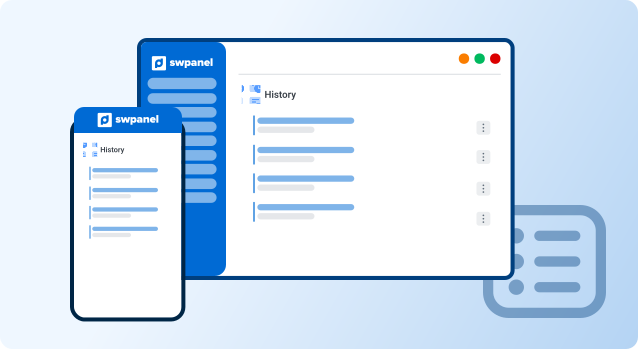
Execution history

Includes a detailed log of executed tasks, allowing you to review automation performance and detect any errors quickly.

Include task logging now!
Products hostings crons 3 EN
Frequently Asked Questions

Do you have any questions?
We’ll answer them for you

A Cron is a scheduled task that runs automatically on the server at defined time intervals.

From the hosting SWPanel, access the Crons section, define the task, and set its execution frequency.

Yes, you can configure Crons to send an email if there is an error during execution.