User management

Creation of access profiles for SWPanel

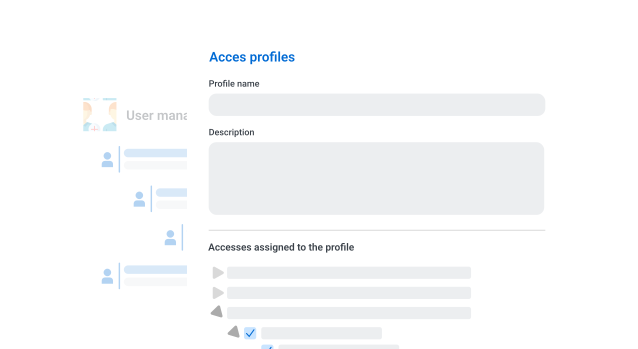
The creation of access profiles allows SWPanel administrators to define specific sets of permissions and roles that can then be assigned to different users.

Start now

In this way at SWPanel it is very important

to simplify management and ensure that each user has access only to the functions necessary for their work

Products users profiles 1 EN

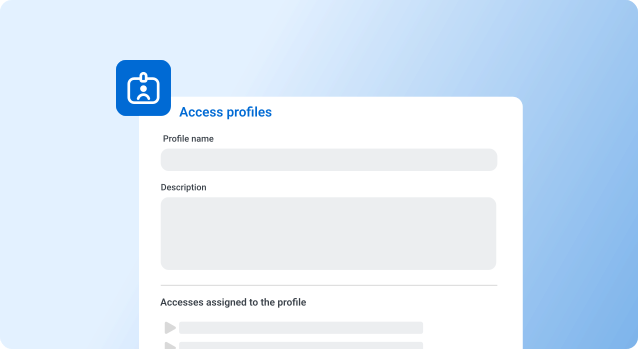
Custom role definition

Allows creating profiles tailored to the specific needs of the team or project.

Products users profiles 2 EN

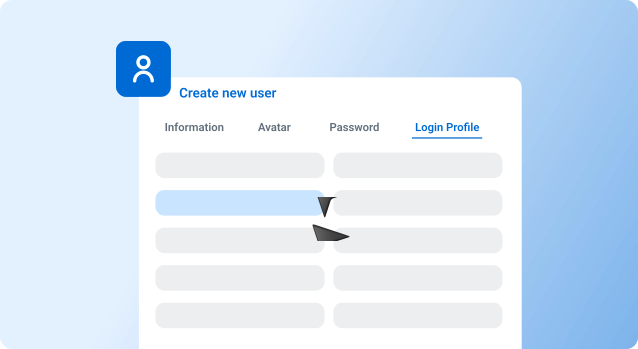
Quick role assignment

Once created, profiles can be quickly assigned to new users.

Products users profiles 3 EN

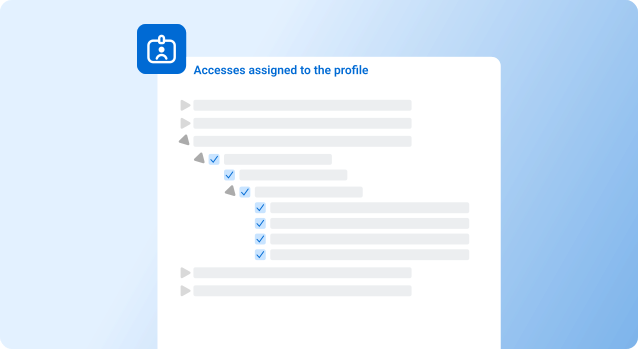
Flexibility in modification

Profiles can be easily edited to adapt to changes in operational needs.

For more information

The latest in innovation and performance.

1

Predefined profiles

Offers a set of predefined profiles that suit common roles, such as administrator, developer, or support, which can be used as a base.

Learn more information
Products users profiles 1 EN
2

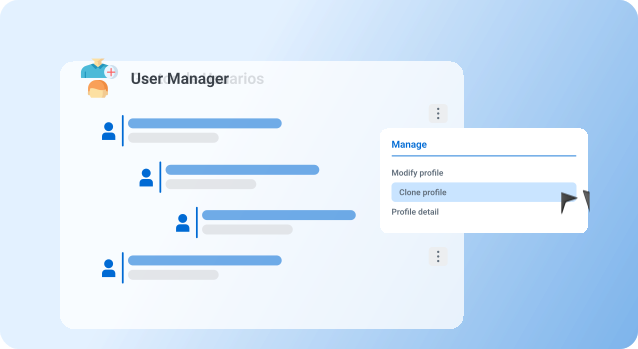
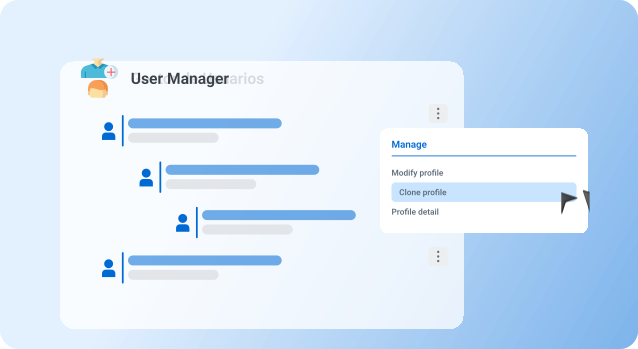
Profile cloning

Allows duplicating existing profiles to use them as a template for creating new roles, facilitating team expansion.

Manage now!
Products users profiles 2 EN
Frequently Asked Questions

Do you have any questions?
We’ll answer them for you

Go to the user management section, select "Create profile," and define the permissions you want to grant.

Yes, profiles can be edited at any time to meet new requirements. The changes will apply to all users assigned to that profile.